
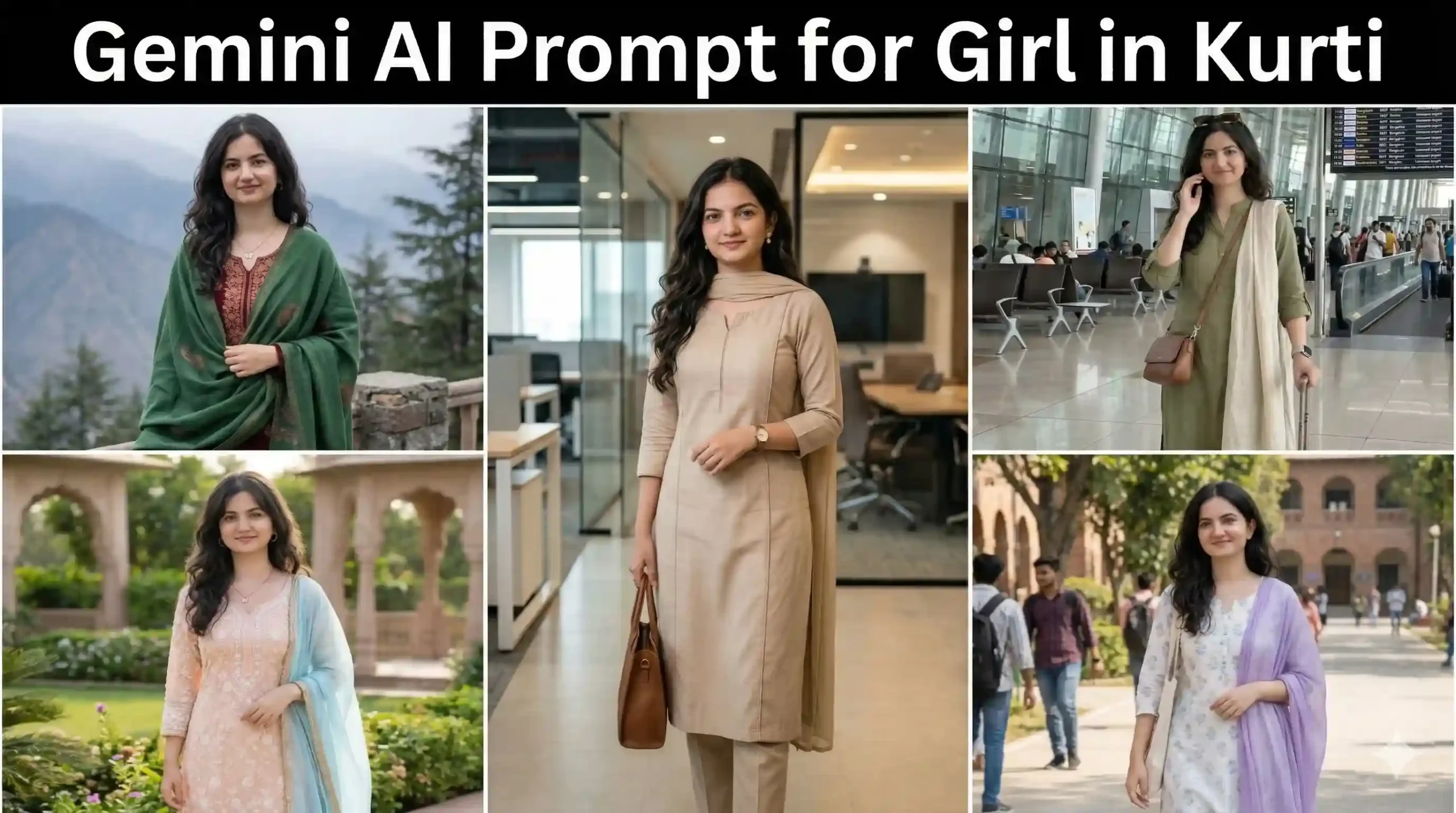
Introduction
If you are using Gemini AI to create images, you already know one thing — the prompt matters a lot. A simple prompt gives a basic image. But a well-written prompt? That creates something amazing.
Many people struggle to get realistic results, especially when trying to keep the same face from an uploaded image. This is where the right Gemini AI prompt for girl in kurti becomes very important.
In this article, I will show you how to write simple and powerful prompts. You will also get ready-to-use examples that you can copy and try instantly. Don’t worry, everything is explained in very easy English. Even if you are new, you can do this easily.
Anup Sagar AI Photo Rose: How to Create Your Own Viral Rose DP (2026)
What is Gemini AI Prompt for Girl in Kurti?
A Gemini AI prompt is simply the instruction you give to AI.
For example:
- What the girl is wearing
- Where she is standing
- Lighting and mood
- Face consistency
If you upload an image and want the same girl in a kurti, your prompt must clearly say:
👉 “Keep the same face and identity”
This is the most important part.
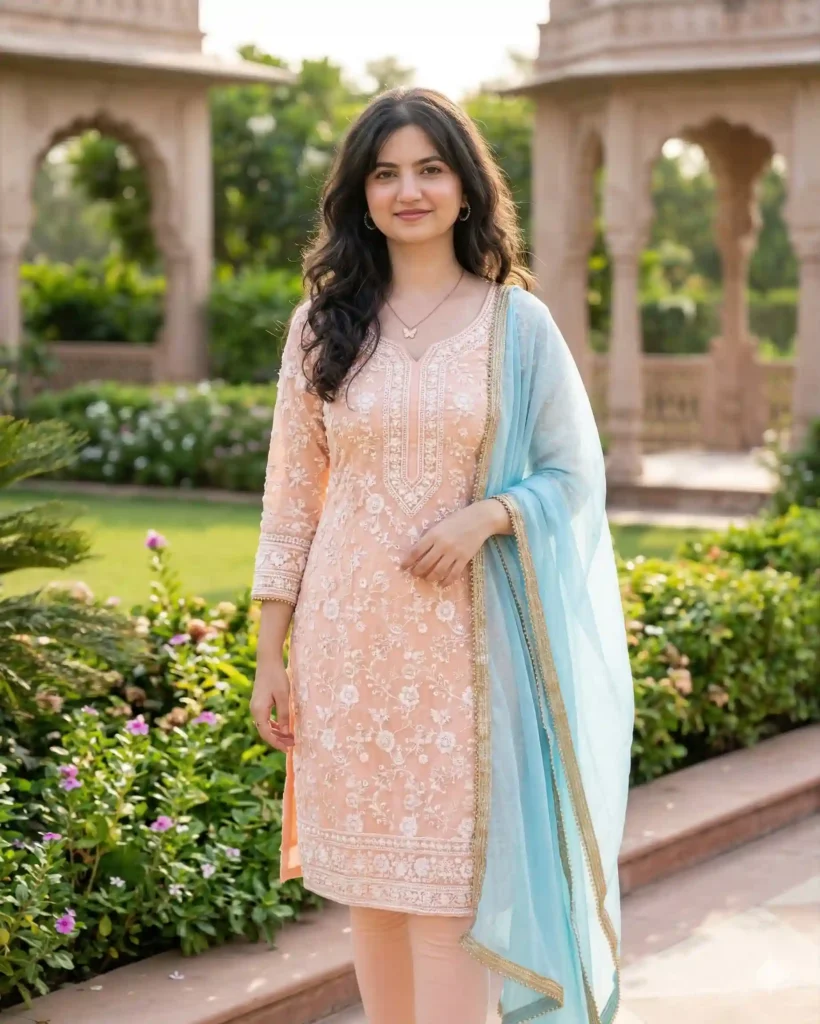
Use the uploaded image as the reference for the girl’s face, identity, and overall appearance. Maintain exact facial features, skin tone, hairstyle, and expression for full consistency.
Create a realistic, high-quality image of the same girl wearing a beautiful traditional Indian kurti. The kurti should be elegant, with fine embroidery and soft fabric details (choose pastel colors like peach, sky blue, or light yellow). Pair it with matching leggings and a light dupatta.
She is standing naturally in a pleasant outdoor setting such as a garden or a clean urban terrace, with soft natural lighting. The background should be clear and detailed (not blurred), with greenery or aesthetic surroundings.
Use cinematic lighting, ultra-realistic style, 8K resolution, HDR quality, sharp focus, natural skin texture, and depth of field. Follow rule of thirds composition.
The girl should have a calm, confident expression with a slight natural smile. Avoid any facial distortion or change in identity. Keep proportions realistic and natural.
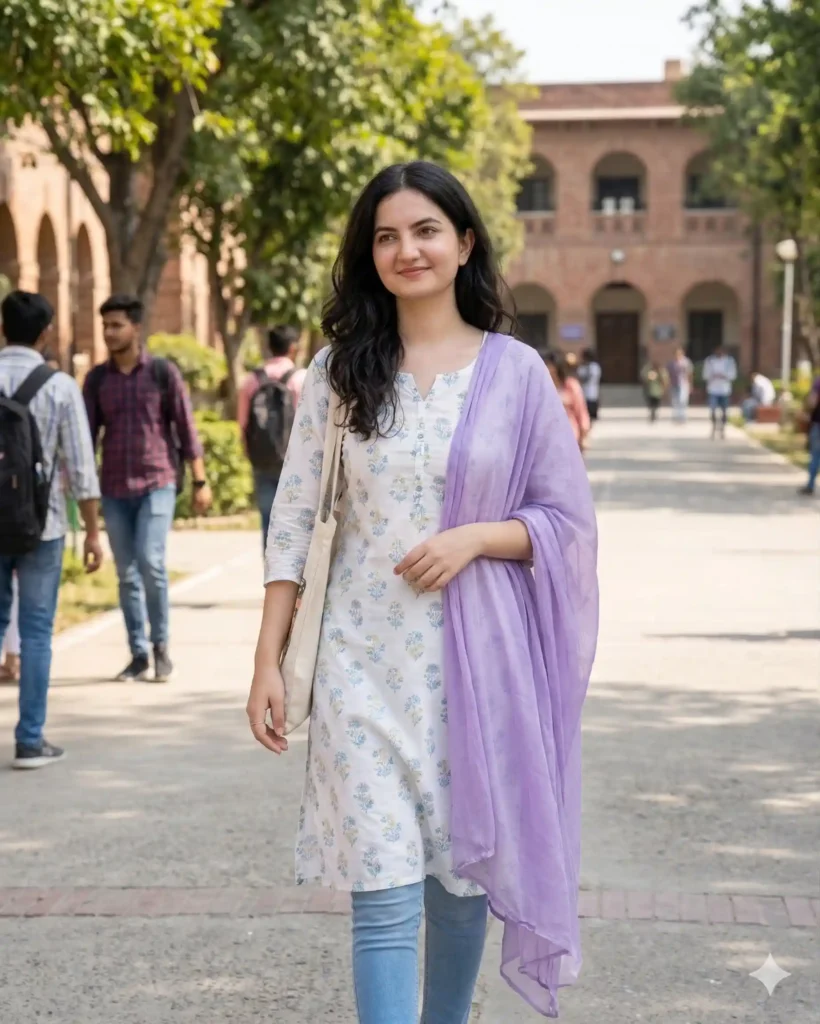
Use the uploaded image as the reference for the girl’s face and identity, keeping all facial features, skin tone, hairstyle, and expression exactly the same for full consistency.
Create a realistic, natural-looking image of the same girl wearing a simple and stylish cotton kurti in soft colors like white, light blue, or lavender with minimal prints. Pair it with comfortable leggings or jeans and a casually draped dupatta or no dupatta for a modern college look.
The girl is walking or standing naturally in a college campus setting with trees, pathways, and buildings clearly visible in the background (not blurred).
Use bright natural daylight with soft shadows, clean lighting, HDR quality, sharp focus, and realistic skin texture. Keep the style natural and slightly candid, like a real-life photo.
Composition should feel relaxed and authentic, slightly off-center following rule of thirds.
Expression should be fresh, friendly, and slightly smiling, like a candid moment.
Ensure realistic proportions, no distortion, no identity change, and no artificial or over-edited effects.
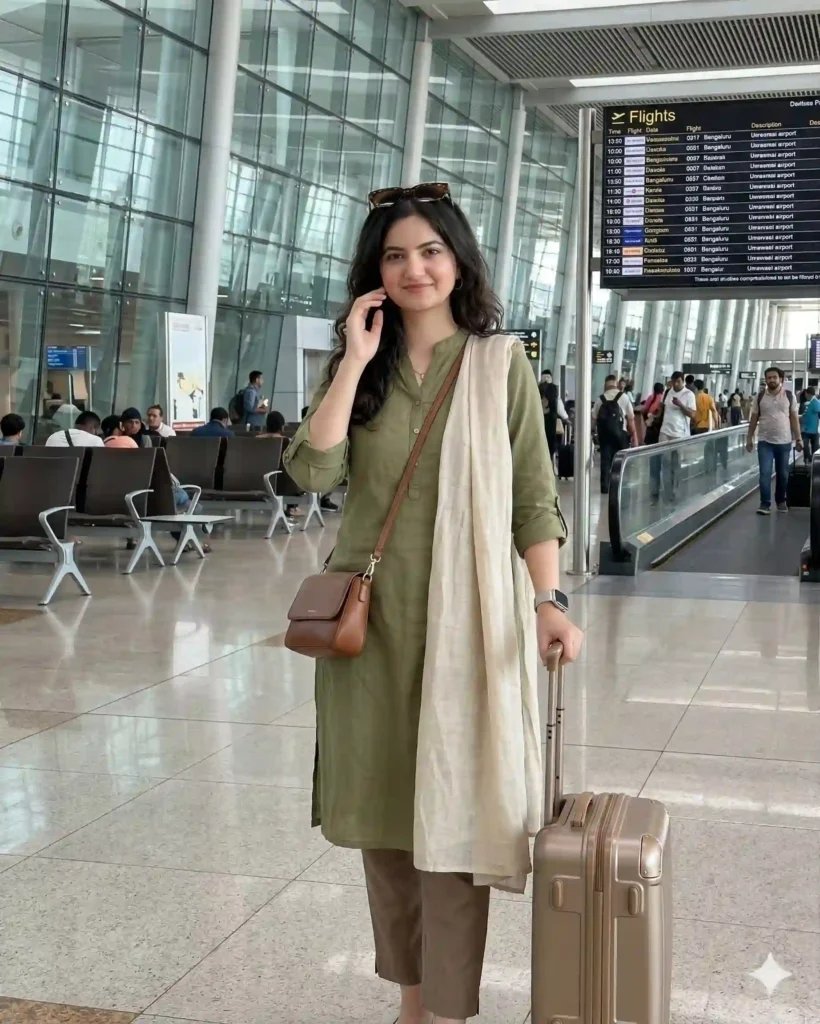
Use the uploaded image as the reference for the girl’s face and identity, keeping all facial features, skin tone, hairstyle, and expression exactly the same for perfect consistency.
Create an ultra-realistic, stylish travel image of the same girl wearing a comfortable yet trendy kurti in modern colors like beige, olive green, or pastel tones with minimal prints. Pair it with ankle-length pants or leggings and a light dupatta styled casually or omitted for a smart travel look.
Add travel accessories such as sunglasses, a smartwatch, and a sleek handbag or small trolley suitcase to enhance the airport vibe.
The setting should be a modern airport terminal with glass walls, seating areas, and flight display boards clearly visible in the background (not blurred).
Use bright, clean indoor lighting with slight reflections on the floor, HDR quality, ultra-sharp 8K resolution, and realistic textures.
Composition should feel candid and trendy, like a travel influencer shot, slightly angled and following rule of thirds.
Expression should be confident, relaxed, and slightly smiling, capturing a natural travel moment.
Ensure realistic body proportions, no distortion, no identity change, and no over-processed or artificial effects.
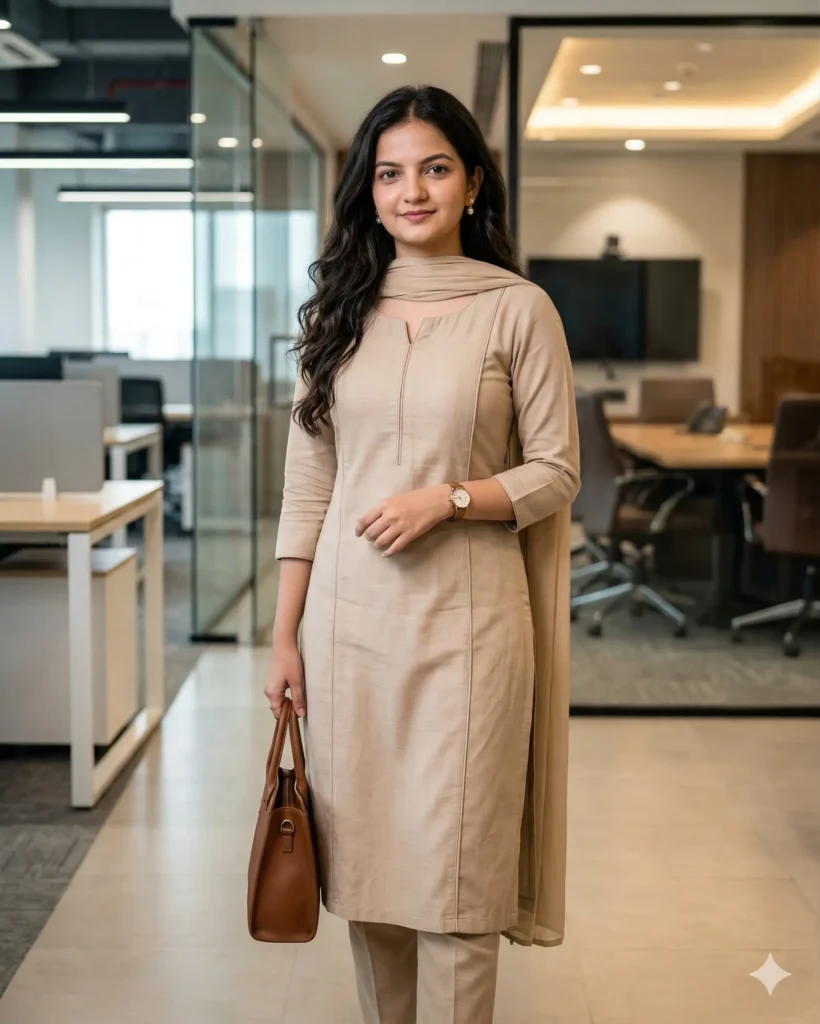
Use the uploaded image as the reference for the girl’s face and identity, keeping all facial features, skin tone, hairstyle, and expression exactly the same for perfect consistency.
Create an ultra-realistic, professional-looking image of the same girl wearing a clean and elegant office-style kurti in subtle colors like beige, pastel blue, grey, or soft pink with minimal design and neat tailoring. Pair it with straight pants or leggings and a neatly draped dupatta for a polished look.
Add minimal accessories such as a wristwatch, small earrings, and a simple handbag to enhance the professional appearance.
The setting should be a modern office environment or corporate workspace with desks, glass panels, or a clean interior clearly visible in the background (not blurred).
Use soft indoor lighting with a natural tone, HDR quality, sharp focus, realistic skin texture, and 8K resolution. Keep the overall feel clean, professional, and natural.
Composition should be balanced and slightly formal, following rule of thirds with a straight or slightly angled pose.
Expression should be confident, calm, and professional with a subtle smile.
Ensure realistic body proportions, no distortion, no identity change, and no over-editing or artificial smoothing.
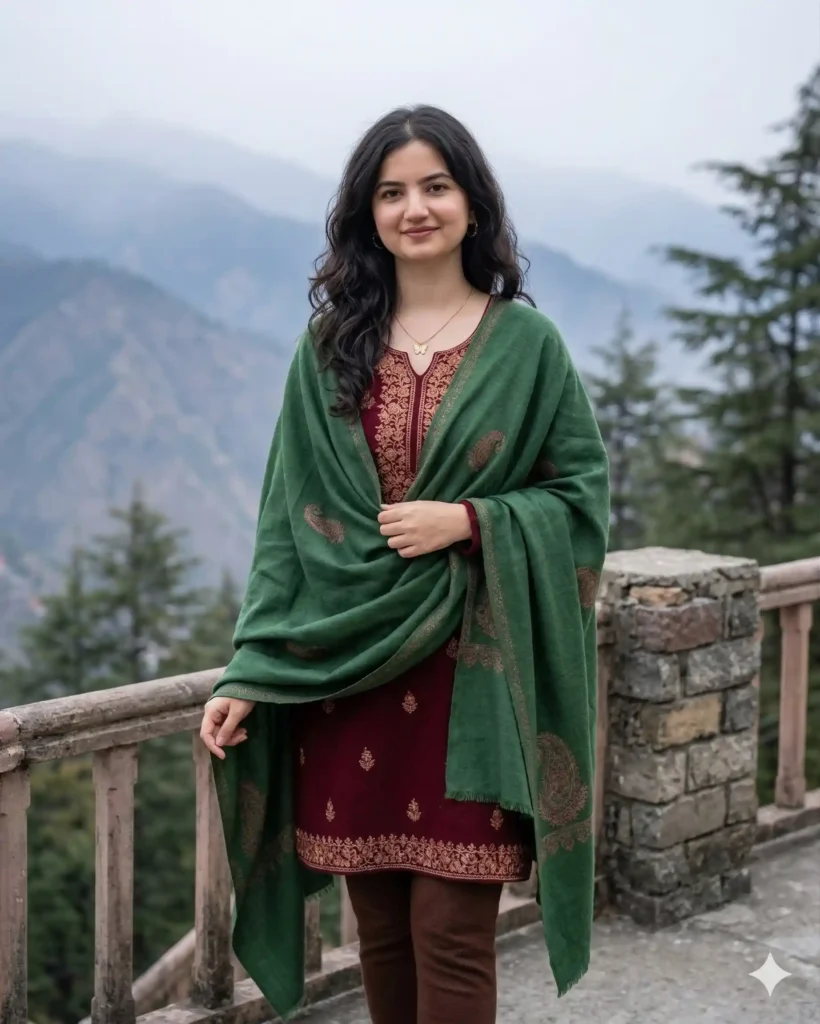
Use the uploaded image as the reference for the girl’s face and identity, keeping facial features, skin tone, hairstyle, and expression exactly the same for perfect consistency.
Create an ultra-realistic, cinematic image of the same girl wearing a heavy designer wedding-style kurti with intricate embroidery, zari work, and rich fabric in deep festive colors like maroon, crimson red, or royal gold. Pair it with an elegant churidar and a richly detailed dupatta draped gracefully. Add traditional jewelry such as jhumka earrings, bangles, and a subtle maang tikka for a bridal touch.
The setting should be a wedding or festive environment with decorative lights, floral elements, and elegant background details clearly visible (not blurred).
Use warm cinematic lighting with golden glow, HDR quality, ultra-detailed textures, 8K resolution, sharp focus, and depth of field. Follow rule-of-thirds composition with a premium photoshoot feel.
Expression should be soft, graceful, and slightly smiling, conveying elegance and confidence.
Ensure realistic body proportions, no distortion, no identity change, and no over-smoothing or artificial effects.
How to Use Gemini AI Prompt (Step-by-Step Guide)
Very simple process. Follow this:
Step 1: Upload Your Image
- Go to Gemini AI
- Upload your photo
Step 2: Copy the Prompt
- Use any ready-made prompt (like the ones you added on your website)
Step 3: Paste and Generate
- Paste prompt
- Click generate
Step 4: Adjust if Needed
- Change colors (red, blue, pastel)
- Change location (garden, office, wedding)
👉 That’s it. You don’t need anything else.
Conclusion
Creating a perfect Gemini AI prompt for girl in kurti is not difficult. You just need the right structure and a little clarity.
The biggest secret is simple:
👉 Be clear about face, outfit, and setting.
Once you follow this, your images will look:
- More real
- More consistent
- More attractive
And the best part?
You can reuse the same prompt again and again with small changes
FAQ (Gemini AI Prompt for Girl in Kurti)
How to keep same face in Gemini AI image?
Always write: “Use uploaded image as reference and keep facial features exactly the same.” This ensures face consistency.Why my AI image looks different every time?
Because your prompt is not detailed. Add face reference, lighting, and background clearly.Can I use same prompt for different kurti styles?
Yes. Just change colors, setting, and outfit details. The base prompt remains same.Which is best lighting for kurti images?
Natural daylight and golden hour lighting give the best and most realistic results.Is long prompt better than short prompt?
Yes. A detailed prompt gives more accurate and high-quality output.Anoop Sagar AI Photo Love: Create Beautiful Romantic AI Photo For your Love